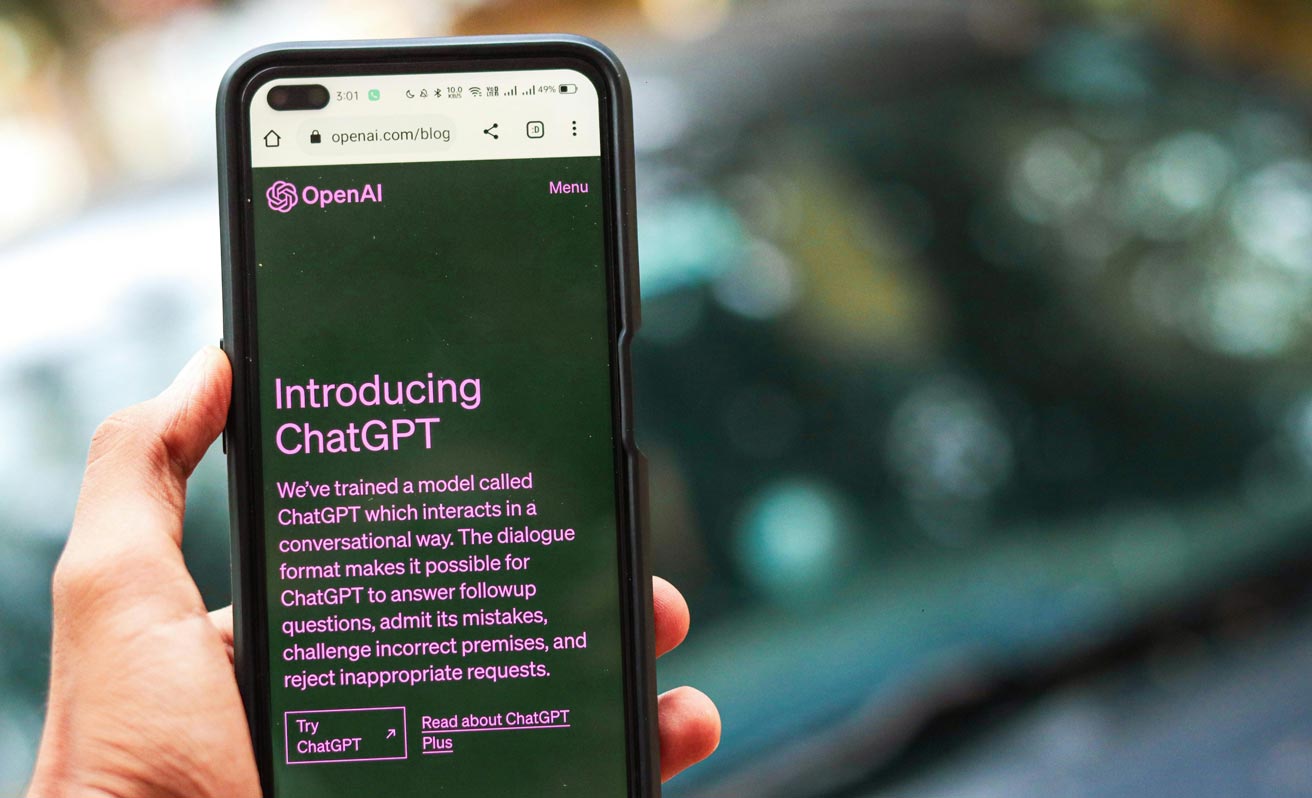
ChatGPT is basically an AI that chats, writes, explains, plans, and creates almost anything you ask for. Instead of being just a search tool, it works more like a flexible digital assistant that can help with schoolwork, content creation, brainstorming, or even just random curiosity. You talk to it like you talk to a person, and it responds based on patterns it learned from massive amounts of text.
How ChatGPT Works
The Model Behind It
ChatGPT doesn’t look things up in real-time unless you use browsing features. It responds by predicting the most helpful answer based on everything it has learned. This training helps it understand tone, structure, language flow, and context without needing constant instructions.
Understanding Context
One of the biggest strengths of ChatGPT is its ability to remember what you say within the same conversation. This means if you explain your preferences or goals once, it can follow them throughout the chat. You don’t need to repeat every detail unless you start a new conversation.
Getting Started
Making Your First Prompts
To begin, you can ask ChatGPT anything. If you want a specific style, tone, or format, it helps to say it up front. Clear instructions lead to cleaner results, but even a simple question works fine. You can keep refining your request by asking it to adjust the length, tone, or depth until it feels right.
Adjusting the Output
If ChatGPT gives you something that doesn’t match what you had in mind, you can ask it to change the mood, shorten the text, rewrite it casually, or make it more detailed. It’s super flexible, so refining your result is just part of the process.
Using Examples
One very useful feature is giving ChatGPT an example of what you like. If you drop a paragraph or a sample style, it can mimic the style almost perfectly. This works for writing, captions, brand tone, essays, basically anything that involves style.
What You Can Use ChatGPT For
Writing
ChatGPT can help you draft blogs, scripts, captions, essays, product descriptions, or long-form content. You can tell it the tone you want, something friendly, formal, dramatic, or super chill. It can also brainstorm ideas, suggest titles, or help you think through creative blocks.
Learning and Research
If you’re trying to understand a difficult topic, ChatGPT can simplify it, break it down, compare concepts, or give you summaries. You can ask it to explain something, like you’re a beginner, or to go deep, like you’re prepping for an exam.
Coding
ChatGPT is pretty solid for debugging code, understanding errors, or writing snippets that you can paste into your project. If you’re learning to code, you can also ask for step-by-step explanations or practice questions.
Productivity and Daily Life
From trip planning to writing emails to building routines and personal schedules, ChatGPT can help organize your day. It can also generate recipes, suggest workouts, help with budgeting, or plan study sessions, depending on what you need.
Work Tasks
For professional tasks, ChatGPT can help build reports, drafts, presentations, marketing outlines, brand guides, and more. If you’re running a business, it becomes a handy assistant for writing messages, brainstorming strategies, or preparing documents.
Mastering Prompting
Clarity Matters
The cleaner your request, the better the response. Telling ChatGPT the purpose, audience, length, and tone helps it match what you’re imagining. You don’t need to over-explain; just share the essentials.
Asking for Different Versions
If you’re not sure what you want, you can ask for multiple variations. ChatGPT can rewrite the same idea in different tones, levels of detail, or styles so you can pick what fits.
Step-by-Step Writing
When working on bigger projects, asking for an outline first makes everything smoother. Once you approve the structure, ChatGPT can expand each section. This keeps long projects organized and consistent.
Setting Behavior
You can tell ChatGPT to respond in a certain style for the rest of the conversation. If you want super short replies or detailed explanations, giving that instruction once helps it stay consistent.
Refining as You Go
If something feels off, you can simply ask ChatGPT to tweak it. Adjusting tone, style, pacing, or detail is completely normal. The more you shape the conversation, the more dialed-in the result becomes.
Limitations
Possible Mistakes
Even though ChatGPT sounds confident, it can sometimes be wrong or misunderstood. For anything important like medical, legal, or financial topics, always double-check using trusted sources.
No Long-Term Memory by Default
Unless you enable memory features, ChatGPT doesn’t remember information from one conversation to the next. Each chat starts fresh unless you specifically save preferences.
Knowledge Cutoff
Some models may not have access to the latest information unless browsing or updated data is available. So, real-time events or breaking news might not be accurate unless you ask it to search.
Versions of ChatGPT
Free Version
The free version gives you access to solid models that can help with everyday tasks like writing, explaining, or planning. It’s great for casual use and basic assistance.
ChatGPT Plus and Paid Plans
Paid versions usually offer faster responses, more powerful models, better reasoning, and access to advanced features like file analysis, image generation, and more memory. It’s ideal for heavy users, creators, students, and anyone using it for work.
Advanced Features
File Uploads
You can upload PDFs, essays, spreadsheets, or images and ask ChatGPT to summarize, extract data, rewrite, or analyze the content. This is extremely useful for work and school.
Image Generation
Some versions allow you to create digital art, logos, diagrams, product images, or concept visuals using prompts. It’s great for designers, creators, or anyone exploring visual ideas.
Long Projects
If you’re working on ebooks, research papers, business plans, assignments, or large documents, ChatGPT can help you build them section by section. This keeps everything consistent and easy to manage.
Safety and Privacy
You should avoid sharing personal details like home addresses, passwords, financial info, or sensitive documents. ChatGPT is safe, but it’s still best practice to keep things general.
When using ChatGPT for big decisions, always double-check the information from official or trusted sources. AI is helpful, but it isn’t a replacement for professional advice.
Final Words
ChatGPT becomes extremely powerful once you understand how to communicate with it. It can help you learn faster, work smarter, create better content, and solve problems instantly. If you experiment with different prompting styles, refine your instructions, and treat it like a flexible assistant, you’ll quickly unlock its full potential.