Adobe Creative Cloud Pro vs. DaVinci Resolve, Blender, Figma, and Affinity: Which Creative Stack is better?

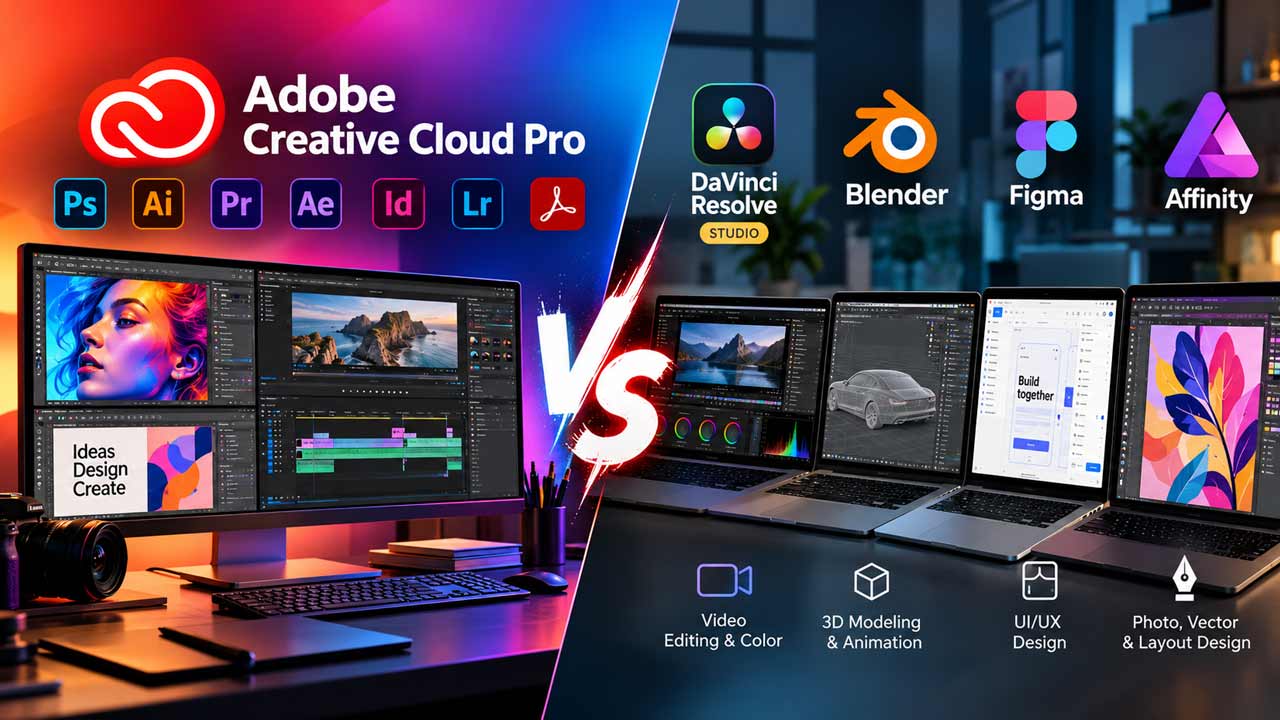
For years, Adobe Creative Cloud has been the default software suite for photographers, graphic designers, video editors, illustrators, and other creative professionals.
Its biggest advantage has never been a single application, but the way Photoshop, Illustrator, Premiere Pro, After Effects, InDesign, Acrobat, and other tools fit into one ecosystem.
However, that ecosystem comes with a subscription cost. In 2026, creators have more alternatives than ever, including the free version of DaVinci Resolve, open-source Blender, Figma’s browser-based design platform, and the newly free Affinity suite.
The interesting question is no longer simply whether Adobe is worth paying for. It is whether you actually need an all-in-one suite when specialized alternatives can cover individual parts of the creative workflow.
What Adobe Creative Cloud Pro Offers
Adobe Creative Cloud Pro is designed around the idea that one subscription can cover almost an entire creative workflow.
The individual plan includes more than 20 applications, including Photoshop, Illustrator, Premiere, After Effects, InDesign, Acrobat Pro, and Lightroom.
It also includes Adobe Firefly features, Adobe Express Premium, Frame.io, Adobe Fonts, templates and cloud storage.
Adobe lists Creative Cloud Pro at US$69.99 per month on its regular annual-billed-monthly pricing.
Adobe is also currently showing promotional pricing of US$34.99 per month for the first three months for eligible new subscribers, after which the regular US$69.99 monthly price applies.
That makes the regular annual-billed-monthly cost roughly US$839.88 per year before taxes.
The important part, however, is that you’re not paying for just Photoshop or Premiere Pro. You’re paying for access to a large collection of professional creative applications and the ecosystem connecting them.
A photographer can edit images in Photoshop and Lightroom, a designer can move between Illustrator and InDesign, while a video editor can use Premiere and After Effects.
Creative Cloud Libraries, fonts, templates, and other shared services are designed to connect these workflows.
Adobe has also built generative AI into Creative Cloud. Creative Cloud Pro includes unlimited access to standard creative AI image and vector features and 4,000 monthly generative credits for premium features such as text-to-video and other AI-powered tools.
That breadth is difficult for a collection of unrelated applications to reproduce.
DaVinci Resolve Studio: A Serious Premiere Pro Alternative
If video editing is your main priority, DaVinci Resolve changes things considerably.
Blackmagic Design offers a free version of DaVinci Resolve with editing, color grading, visual effects, motion graphics, and audio production capabilities.
The free version supports projects up to Ultra HD 3840 × 2160 at up to 60 fps and includes extensive color-grading tools.
DaVinci Resolve Studio adds more advanced capabilities, including the DaVinci Neural Engine, additional Resolve FX, advanced HDR tools, stereoscopic 3D, additional Fairlight audio features, and other professional features.
Blackmagic currently lists Resolve Studio at US$295 as a one-time purchase. That pricing model is one of Resolve’s biggest advantages.
Instead of paying a recurring subscription specifically for professional video editing, you can use the free version indefinitely and upgrade to Studio when you need its additional features.
Resolve is compelling for editors who care about color grading and finishing. Its workflow brings editing, visual effects, motion graphics, color correction, and audio post-production into a single application.
However, it isn’t a direct replacement for the entire Creative Cloud ecosystem.
Resolve doesn’t replace Photoshop, Illustrator, or InDesign. If your work involves extensive graphic design, photography, page layout, and video production simultaneously, Adobe still offers a broader collection of dedicated applications.
Blender: The Free 3D Powerhouse
Blender occupies a different part of the creative software landscape.
It is a completely free and open-source 3D creation suite covering modeling, sculpting, rigging, animation, simulation, rendering, compositing, motion tracking, and even video editing.
Blender is released under the GNU GPL, and its licensing allows users to use it commercially, modify the software, and distribute modified versions. Artwork created with Blender can also be used commercially.
For someone working in 3D, that is a huge proposition.
You can build a 3D model, texture it, animate it, simulate physics, render it, and composite the final result without paying for a Creative Cloud subscription.
Blender also supports Python scripting and extensive customization, so it’s interesting for technical artists and studios that want to automate parts of their pipeline.
The trade-off is workflow complexity. Blender has an enormous feature set, but learning it requires time.
It isn’t designed as a simple Photoshop replacement, and someone primarily interested in photo editing, graphic design, or page layout will find Adobe’s dedicated applications more appropriate.
For 3D artists, animators, and VFX creators, however, Blender can eliminate an entire category of software costs.
Figma: Where UI and Product Design Go
Figma is the most different alternative in this comparison. It focuses heavily on interface design, prototyping, collaborative product design, and developer handoff.
Its Professional plan currently starts at $16 per month for a full seat when billed monthly, with Dev and Collab seats available at lower prices.
Figma Professional plan includes unlimited files and projects, team-wide design libraries, and advanced Dev Mode inspection.
This makes Figma good for UI/UX designers, product teams, and web designers.
Its biggest distinction from traditional desktop creative software is collaboration.
Multiple people can work around the same design system and prototype rather than passing files back and forth between applications.
But Figma isn’t intended to replace the entire Adobe ecosystem.
A UI designer may use Figma for interface design while still using Photoshop for image manipulation, Illustrator for certain vector workflows, and After Effects or another application for advanced motion graphics.
So in this case, Figma is less of an Adobe replacement and more of a specialized alternative to parts of Adobe’s design workflow.
Affinity: The Biggest Change for Traditional Designers
Affinity is the most interesting development for designers who want to leave Adobe behind.
Canva announced in 2026 that the new Affinity combines photo editing, vector design, and page layout into a single application and is now completely free.
Canva describes it as professional-grade software available to everyone without a subscription. This completely changes the traditional Adobe-versus-Affinity.
Instead of buying separate applications for vector illustration, image editing and page layout, Affinity brings these disciplines together under one application.
For designers who primarily need Photoshop-, Illustrator-, and InDesign-style functionality, Affinity can therefore cover a surprisingly large part of the traditional Adobe workflow without a Creative Cloud subscription.
The main consideration is ecosystem compatibility.
Adobe has spent years building an enormous ecosystem around Creative Cloud, its file formats, plugins, fonts, stock assets, cloud services and collaboration tools.
Affinity’s appeal is different: fewer recurring costs and a unified design application.
Why Adobe Still Has an Ecosystem Advantage
The biggest argument for Creative Cloud isn’t necessarily that Photoshop is better than every alternative or that Premiere is automatically better than Resolve. It’s integration.
A creative agency could use Photoshop for photography, Illustrator for branding, InDesign for brochures, Premiere for video, After Effects for motion graphics, and Acrobat for document workflows. Those applications are designed to coexist.
Adobe also bundles services around those applications. Creative Cloud Pro includes Adobe Fonts, cloud storage, Frame.io, Adobe Express, and Firefly features alongside the core applications.
That matters when your job requires several different creative disciplines.
It also matters when you’re working with clients or teams already using Adobe software. Compatibility and established workflows can sometimes be more important than the price of the software itself.
Where the Alternative Stack Wins
The alternative approach becomes more attractive when you don’t actually need all of Adobe’s applications.
A video editor may be perfectly happy with DaVinci Resolve. In that situation, paying for Photoshop, Illustrator, InDesign, and the rest of Creative Cloud doesn’t necessarily provide much additional value.
A 3D artist can build an entire workflow around Blender without paying for a traditional 3D application.
A UI designer may spend most of their working day in Figma. And a graphic designer focused on vector artwork, photo editing, and page layout now has Affinity available without the previous software cost.
This is the biggest advantage of the alternative stack: you can assemble your software around your actual work instead of paying for a large collection of applications you rarely open.
The Hybrid Approach May Make the Most Sense
There is also no requirement to choose one ecosystem exclusively.
You could use Affinity for graphic design, Blender for 3D, DaVinci Resolve for video, and Figma for UI design. All four can coexist on the same computer.
You can also use Photoshop and Illustrator alongside DaVinci Resolve, keeping Adobe for image and design work while using Resolve as the primary video editor.
This modular approach can reduce software costs while still giving professionals access to specialized tools.
The downside is that every additional application introduces another interface, workflow, and file format to manage.