Malware is that one chaotic friend who shows up uninvited, eats all your snacks, and breaks stuff on the way out. Except in this case, “stuff” is your device. Luckily, some seriously reliable tools can quickly remove malware, clean up the mess, and keep things running smoothly. Here are the best malware removal tools worth installing right now.
Why You Even Need Malware Removal Tools
Malware can slip into your device even when you think you’re playing it safe online. Sketchy downloads, fake extensions, weird pop-ups, and compromised websites can quietly plant harmful software without you noticing.
A good malware removal tool digs deep into your system, wipes out hidden threats, repairs damage, and keeps things running clean and fast. It’s like the digital bouncer that kicks out anything trying to mess with your device.
Malwarebytes
Malwarebytes is one of the most trusted names in cleanup because it’s fast, effective, and doesn’t overcomplicate things. It detects and removes stubborn malware that other tools sometimes miss, and it does the job without slowing your system down.
The free version alone handles quick cleanups like a champ, making it perfect for anyone who wants simple, powerful protection without digging through a ton of settings.
Bitdefender Antivirus Plus
Bitdefender goes beyond basic malware removal by offering full-scale protection that runs quietly in the background. Its detection engine is incredibly strong, and it barely affects your system’s speed even during scans.
It also includes web protection and real-time defense that blocks threats before they reach your device. If you’re someone who prefers constant, worry-free security instead of just occasional cleanups, Bitdefender nails that role.
Kaspersky Anti-Virus

Kaspersky is known for being extremely accurate at spotting malware without triggering unnecessary warnings. It scans quickly, works smoothly, and offers a clean interface that makes the whole experience straightforward. It’s great for deep system cleaning and long-term safety, making it great for users who want strong protection that is polished and professional.
Norton Power Eraser
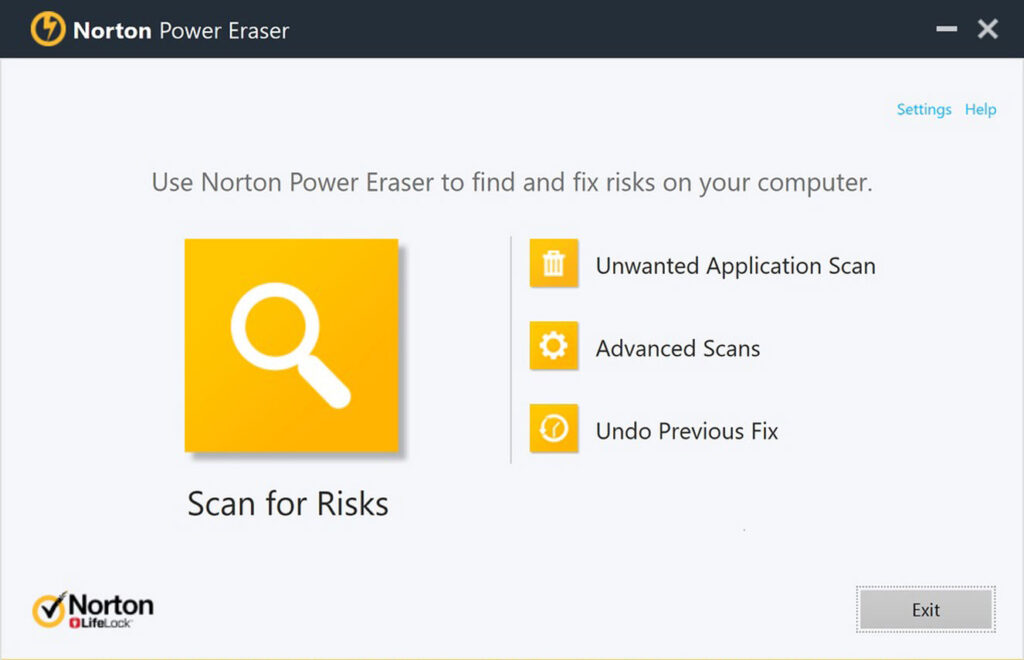
Norton Power Eraser is the tool you pull out when things get serious. It’s designed to hunt down deeply rooted infections that regular antivirus tools may overlook. It works aggressively, which is why it sometimes flags things that aren’t dangerous, so you just need to double-check what it wants to remove. Still, when your device is acting sus, this tool can be the lifesaver that brings everything back to normal.
Microsoft Defender
Microsoft Defender has leveled up massively and is now one of the most reliable free protection tools out there. Since it’s built directly into Windows 10 and 11, it updates automatically and runs in the background without bothering you.
It handles real-time protection, blocks dangerous files, and generally keeps your system safe without needing anything extra. If you want security that works without doing anything technical, Defender delivers exactly that.
HitmanPro
HitmanPro operates as a second opinion scanner, using multiple detection engines in the cloud to look for threats your main antivirus might have missed. It scans extremely fast and does a great job at identifying sneaky malware that hides deep in your system.
It’s the perfect companion tool to use alongside your main antivirus for that extra layer of reassurance.
ESET NOD32 Antivirus
ESET NOD32 is lightweight, clean, and efficient. It offers great detection rates while barely touching your system’s resources, which makes it a favorite among gamers and power users who need performance to stay top-tier. It has a simple interface and stays out of your way while still giving you strong, reliable protection.
Which Malware Removal Tool should you use?
Choosing the right tool really depends on how you use your device. For real-time, always-on protection, apps like Bitdefender, Kaspersky, or ESET make life easier. If you prefer a cleanup tool you run occasionally, Malwarebytes and HitmanPro are great fits. Pairing Microsoft Defender for everyday protection with Malwarebytes or HitmanPro for additional scans gives most people the perfect balance.