For years, buying an Xbox game on disc meant you had a physical copy you could insert into your console whenever you wanted to play. That is now changing in a pretty interesting way.
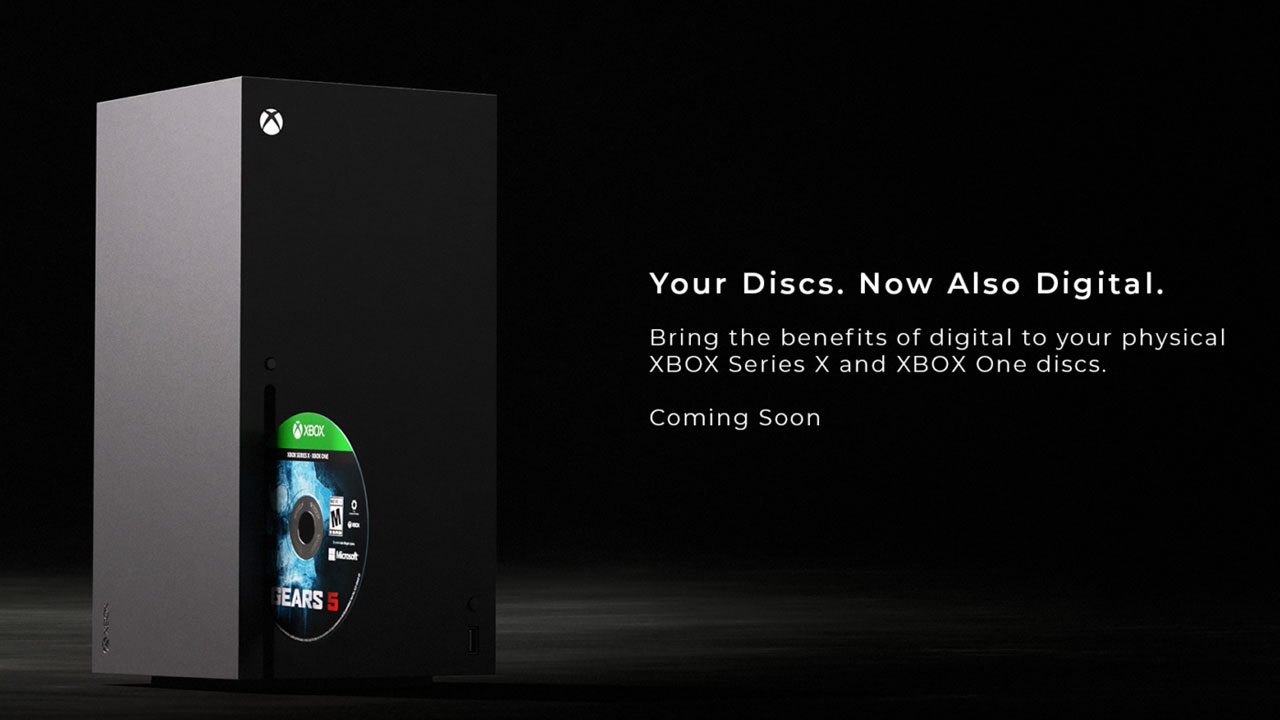
Xbox has announced a new Disc to Digital feature that lets you claim a digital entitlement for supported Xbox One and Xbox Series X disc-based games.
The feature is designed to combine the benefits of digital ownership with games that players already own physically. Xbox Insiders will begin testing it on August 31, 2026, with the wider rollout expected later.
But what exactly does “Disc to Digital” mean, and does it mean you can finally throw your game discs away? Not quite.
What Is Xbox Disc to Digital?
Xbox Disc to Digital allows owners of supported physical Xbox games to claim a digital entitlement to that game.
The basic idea is simple: if you already own a supported Xbox One or Xbox Series X game on disc, you can insert that disc into your console and launch the game. If the title is eligible, Xbox will allow you to claim its digital version.
Once the digital entitlement has been claimed, the game can take advantage of Xbox’s digital ecosystem, including features such as Xbox Play Anywhere and Xbox Cloud Gaming, where supported.
This is particularly interesting for players who have built large physical libraries but increasingly want the flexibility associated with digital games.
How Does Xbox Disc-to-Digital Work?
The process is designed to be relatively straightforward.
1. Insert Your Game Disc
Start by inserting a supported physical Xbox game into an Xbox One or Xbox Series X console.
The feature currently covers most Xbox One and Xbox Series X disc-based games, although not every title will be eligible. Xbox says it is starting with thousands of games and plans to add more over time.
2. Launch the Game
Start the game from your console as you normally would.
Xbox will determine whether the physical copy is eligible for the Disc to Digital program.
3. Claim the Digital Entitlement
If the game is supported, you can claim its digital entitlement.
This essentially connects the game to your Xbox account in a way that allows you to access the digital benefits associated with the title.
4. Use the Digital Version
After claiming the entitlement, you can use supported digital features without having to treat the physical disc as your only way of accessing the game.
Exactly which features are available depends on the individual game. For example, Xbox Play Anywhere support is required if you want to play the game on both Xbox and PC through that program.
Does This Mean You Can Throw Away the Disc?
No. This is probably the biggest thing players need to understand.
Xbox isn’t simply converting your physical disc into a completely independent digital license that makes the disc worthless.
Microsoft says that your physical disc continues to work exactly as it always has after you claim the digital entitlement.
The Disc to Digital feature is therefore better understood as adding a digital entitlement to your existing physical ownership rather than replacing the disc entirely.
So, if you were hoping to turn a $10 used game disc into a permanent digital license that you could sell or give away separately, that’s not what Xbox has announced.
What Are the Benefits?
The biggest advantage is flexibility.
Physical games are great for collecting, buying used copies, and having something tangible. Digital games, meanwhile, are much more convenient when you want to move between devices.
Disc to Digital attempts to bridge that gap.
Xbox Play Anywhere
One of the biggest potential benefits is Xbox Play Anywhere support.
When a game supports Xbox Play Anywhere, buying the digital version allows you to play it across Xbox consoles, Windows PC and supported gaming handhelds without purchasing another copy.
Your saves, achievements and supported add-ons can also follow you between devices.
That means a physical game you already own could potentially become much more useful if its digital entitlement supports Play Anywhere.
However, not every game automatically becomes an Xbox Play Anywhere title. The individual game needs to support the program.
Cloud Gaming
Cloud gaming is another major advantage.
Xbox says supported games can be played through Xbox Cloud Gaming where available, including select games that players own rather than only games included in Game Pass.
That opens up another possibility for physical game owners: a supported disc could provide access to a digital entitlement that can then be used with Microsoft’s broader cloud ecosystem.
Again, cloud availability depends on the specific game, region, device and other requirements.
More Ways to Play
Xbox has been increasingly focused on letting players move between consoles, PCs, cloud gaming and handhelds.
The Xbox PC app supports Xbox Play Anywhere games, while supported handhelds can also access Xbox games through installation, streaming and Play Anywhere features.
Disc to Digital fits neatly into that strategy by giving physical-game owners a path into this ecosystem.
Does Every Xbox Disc Work?
No. This is another important limitation.
Xbox says most Xbox One and Xbox Series X disc-based games support the new feature, but not every title will be available at launch.
Microsoft is starting with thousands of games and says additional titles will be added over time. So you shouldn’t assume that every game sitting on your shelf can immediately be converted.
The eligibility of individual games will matter, particularly with older titles, backward-compatible games and games that have complicated licensing arrangements.
What About Xbox 360 Games?
This is where things get a little more complicated.
Microsoft’s announcement specifically highlights Xbox One and Xbox Series X disc-based games. It does not say that every Xbox 360 or original Xbox disc will automatically qualify for the program.
That doesn’t necessarily mean older games will never be supported, but you shouldn’t assume that your entire Xbox disc collection can be converted.
Xbox’s backward-compatibility ecosystem already supports selected Xbox 360 and original Xbox games, but Disc to Digital eligibility is a separate matter.
Can You Use Disc to Digital on Xbox Series S?
This is an important distinction.
The Xbox Series S has no disc drive, so you cannot insert a physical game disc into it to initiate the Disc to Digital process.
The current process requires inserting the supported disc into an Xbox One or Xbox Series X console.
If you own a Series S and have a collection of Xbox discs, you would therefore need access to a compatible disc-drive Xbox to claim the entitlement.
Can You Sell the Disc After Converting It?
This is an area where you should be cautious.
Microsoft’s announcement confirms that the physical disc continues to work after the entitlement is claimed, but it does not describe the entitlement as something that can be separated from your ownership and transferred to another person.
So don’t think of Disc to Digital as:
“Convert disc → get digital game → sell disc → keep digital game.”
The feature is intended to make your existing library more flexible, not create a new way to duplicate game licenses.
Until Microsoft provides more detailed terms, players should treat the digital entitlement and physical copy as connected to the original ownership rather than assuming the disc can be sold while retaining the digital entitlement.
Is Xbox Disc to Digital the Same as Xbox Play Anywhere?
No. They are related, but they’re two different things.
Disc to Digital is the process that lets eligible physical-game owners claim a digital entitlement.
Xbox Play Anywhere is Microsoft’s cross-platform program that lets supported digital games be played across Xbox and Windows PC, with progress and other supported content carrying across devices.
A game therefore needs to meet the requirements of the relevant program to provide those particular benefits.
Why Is Xbox Doing This?
Microsoft says the move is part of a broader effort around game preservation.
Players have spent decades building physical and digital libraries, and those collections can become harder to use as hardware, distribution methods and platforms change.
Disc to Digital gives Xbox another way of helping existing libraries move forward into its increasingly device-agnostic ecosystem.
It also fits Xbox’s current strategy of allowing players to move between console, PC, cloud and handheld gaming.
In other words, Microsoft isn’t necessarily trying to kill physical games with this feature. Instead, it’s trying to make physical games more compatible with a future where the Xbox ecosystem is no longer tied to a single piece of hardware.
When Can You Try Xbox Disc to Digital?
Xbox Insiders are scheduled to begin testing the feature on August 31, 2026. Microsoft says the program will initially cover thousands of titles, with more games expected to be added over time.
That means the feature is still at the beginning of its rollout. The exact list of supported games and how the process behaves for different types of discs should become clearer as Insider testing begins.