It’s 2025, and let’s be real, gaming has officially leveled up. Whether you’re out here trying to crush lobbies in Call of Duty, build your dream city in Cities: Skylines II, or finally get into Starfield without your PC sounding like a jet engine, you need a beast of a machine to keep up.
This guide is designed to help you pick out the best gaming PCs of 2025 by focusing on your specific gaming needs and budget. It doesn’t matter if you are looking for a budget-friendly option or going full RGB war machine; we’ve got you.
Should You Build Your Own PC in 2026?
Yeah, if you’re into that kinda thing. The prices on GPUs and CPUs have stabilized (finally), so building your own PC is way less stressful than it was during the Great Graphics Card Famine of 2021–22.
- Building saves money in the long run
- You’ll learn a lot
- You get exactly what you want
- But yeah… It’s work. And cable management is hell
Should You Buy a Pre-built Gaming PC in 2025?
Let’s be honest, building a PC takes time, research, patience, and sometimes a whole lot of troubleshooting. With a prebuilt, everything is done for you. You literally plug it in, hit the power button, and you’re ready to game.
Prebuilt PCs are assembled by pros who know how to handle expensive hardware with care. You also get warranties and tech support from the manufacturer. So if something goes wrong, you’re not alone trying to diagnose a BIOS error at 2 AM.
In the past, building your own PC was often cheaper. But with chip shortages, price fluctuations, and scalpers, especially in recent years, it can be a pain finding parts. Prebuilts lock in those components for you at a predictable price.
Many prebuilt systems come bundled with free extras, like Windows 11 pre-installed, a keyboard and mouse, built-in WiFi/Bluetooth, or free game codes. Some even offer no markup on hard-to-get GPUs or CPUs compared to buying parts separately.
Unless you’re a pro builder, your first couple of DIY builds might look a bit… chaotic inside. Prebuilts often come with neatly routed cables, RGB lighting setups, and airflow optimization. It’s ready to show off without you lifting a finger.
Manufacturers like Alienware, Corsair, and NZXT often get early access to new-generation GPUs, CPUs, and motherboards. If you want the latest hardware, a prebuilt may be the fastest way to get it in your hands, without waiting for it to hit retail shelves.
Buying a prebuilt gaming PC in 2026 is a practical choice, especially if you value time, support, and ease of use. You’re getting a well-optimized system that’s tested, covered by warranty, and ready to run your favorite games right out of the box. And in an era where performance matters more than ever, there’s no shame in choosing convenience and peace of mind.
What to Look for in a Gaming PC
Before we dive into specific systems, here are the core components that define a strong gaming PC in 2026:
- GPU (Graphics Card): The main driver of gaming performance. Top-tier options include NVIDIA’s RTX 5090/5080 and AMD’s Radeon RX 8900 XT.
- CPU (Processor): Influences overall system responsiveness and frame rates. Look for Intel’s 14th-gen CPUs or AMD Ryzen 7000/8000 series.
- RAM: 16GB is the minimum for modern gaming. 32GB is ideal, especially for multitasking or futureproofing.
- Storage: SSDs are essential. NVMe drives offer lightning-fast load times. A 1TB NVMe SSD is recommended.
- Cooling & Airflow: Efficient thermal design keeps performance consistent and noise levels down.
- Upgradability: Consider systems with tool-free access and standard parts if you plan to upgrade in the future.
Skytech Blaze 4 – For Casual Gamers (Budget: $800–$1,200)
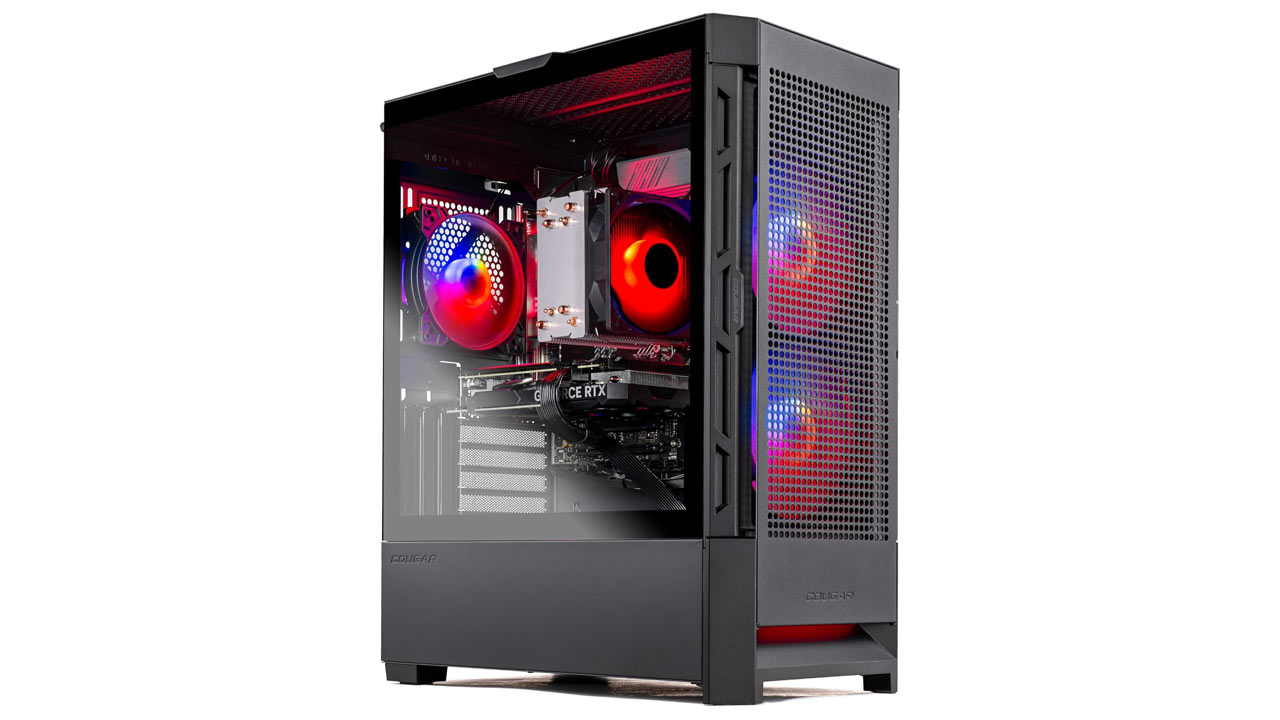
- CPU: AMD Ryzen 5 7600
- GPU: NVIDIA GeForce RTX 4060
- RAM: 16GB DDR5
- Storage: 1TB NVMe SSD
Why it’s a good option:
Affordable and capable of running popular games like Fortnite, Minecraft, The Sims 4, and League of Legends at 1080p with smooth performance. Good entry-level specs with room to upgrade later.
Pros:
- Affordable price point
- Sleek, compact case
- Good thermals for entry-level use
Cons:
- Limited 1440p performance
- No liquid cooling options
MSI Aegis RS 14 – For Competitive Gamers (Budget: $1,500–$2,200)
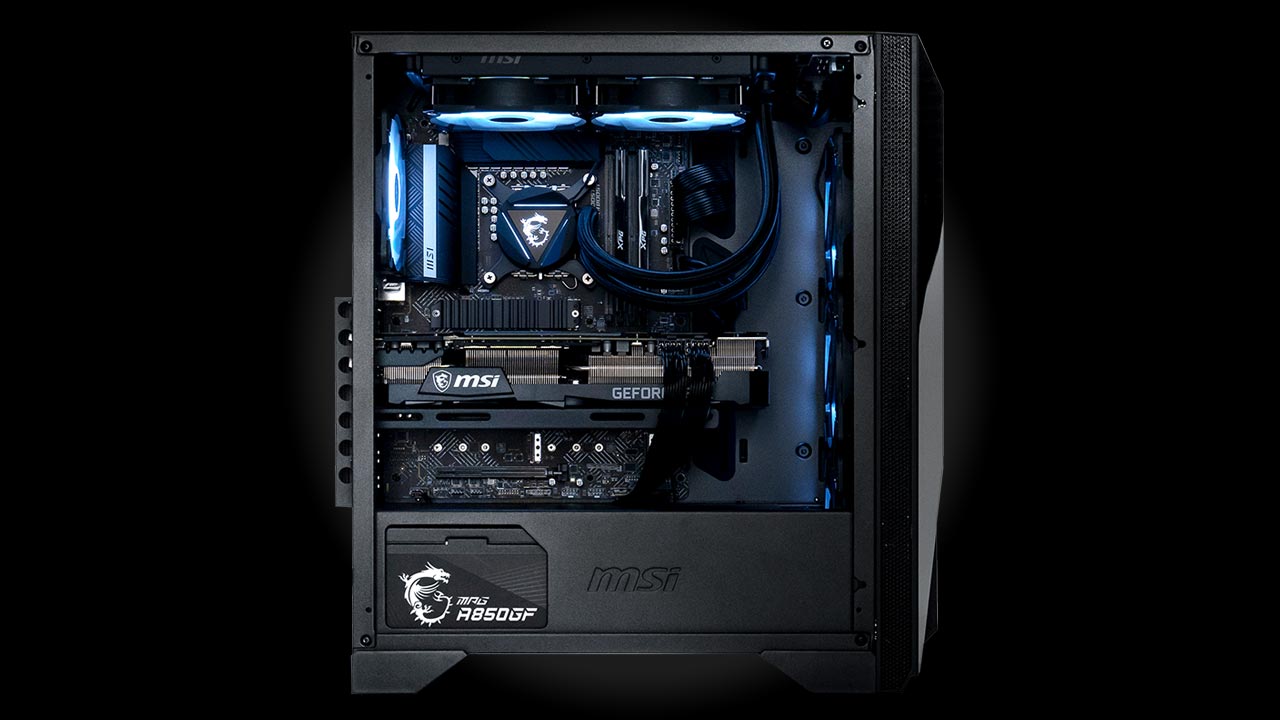
- CPU: Intel Core i7-14700KF
- GPU: NVIDIA GeForce RTX 4070 Ti Super
- RAM: 32GB DDR5
- Storage: 1TB NVMe SSD
Why it’s a good option:
Designed with low-latency and high frame rate gameplay in mind. This setup excels in fast-paced titles like Valorant, Counter-Strike 2, and Call of Duty: Warzone. It’s optimized for high-refresh rate monitors (240Hz and up).
Pros:
- High performance for esports titles
- Easy to upgrade
- Solid cooling system
Cons:
- Loud fans under load
- Slightly bulky design
Corsair Vengeance i7400 – For Streamers & Content Creators (Budget: $2,000–$2,800)

- CPU: Intel Core i9-14900KF
- GPU: NVIDIA GeForce RTX 4080 Super
- RAM: 64GB DDR5
- Storage: 2TB SSD (1TB NVMe + 1TB SATA)
Why it’s a good option:
Built with multitasking in mind, this PC handles live streaming, video editing, and gaming all at once without skipping a beat. Compatible with capture cards and supports multiple displays.
Pros:
- Large RAM capacity for multitasking
- Efficient liquid cooling
- Quiet operation
Cons:
- Slightly dated design aesthetics
- Higher power draw
Alienware Aurora R16 (2025 Refresh) – For Enthusiasts & 4K Gamers (Budget: $3,000+)
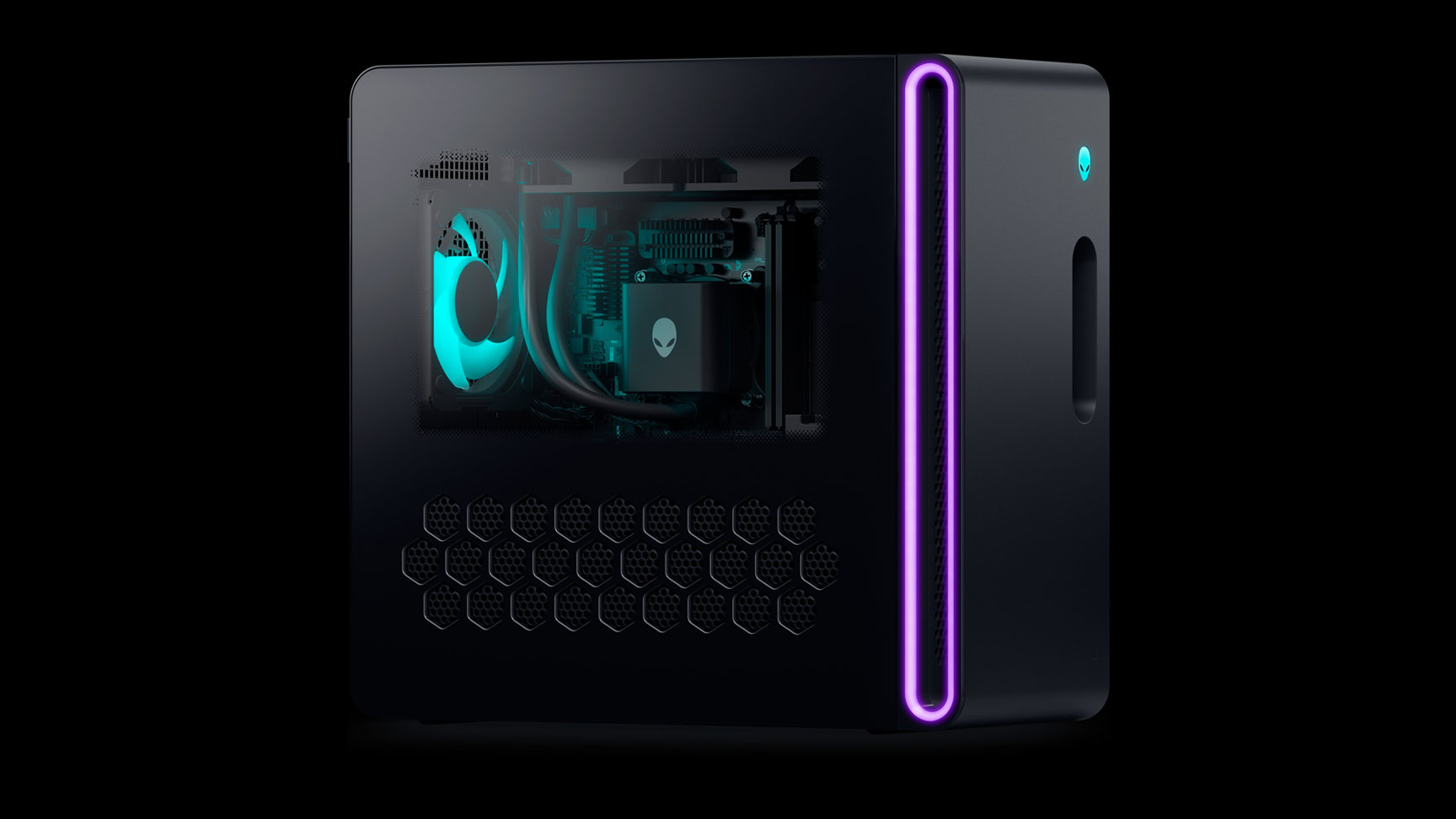
- CPU: Intel Core i9-14900K
- GPU: NVIDIA RTX 5090
- RAM: 64GB DDR5
- Storage: 2TB NVMe SSD
Why it’s a good option:
Tailored for gamers who want the best performance at ultra settings and high resolutions (4K+). Also great for those using VR headsets or ultra-wide monitors.
Pros:
- Cutting-edge GPU and CPU
- Sleek and improved chassis design
- Excellent cooling performance
Cons:
- Expensive
- Limited customization due to proprietary parts
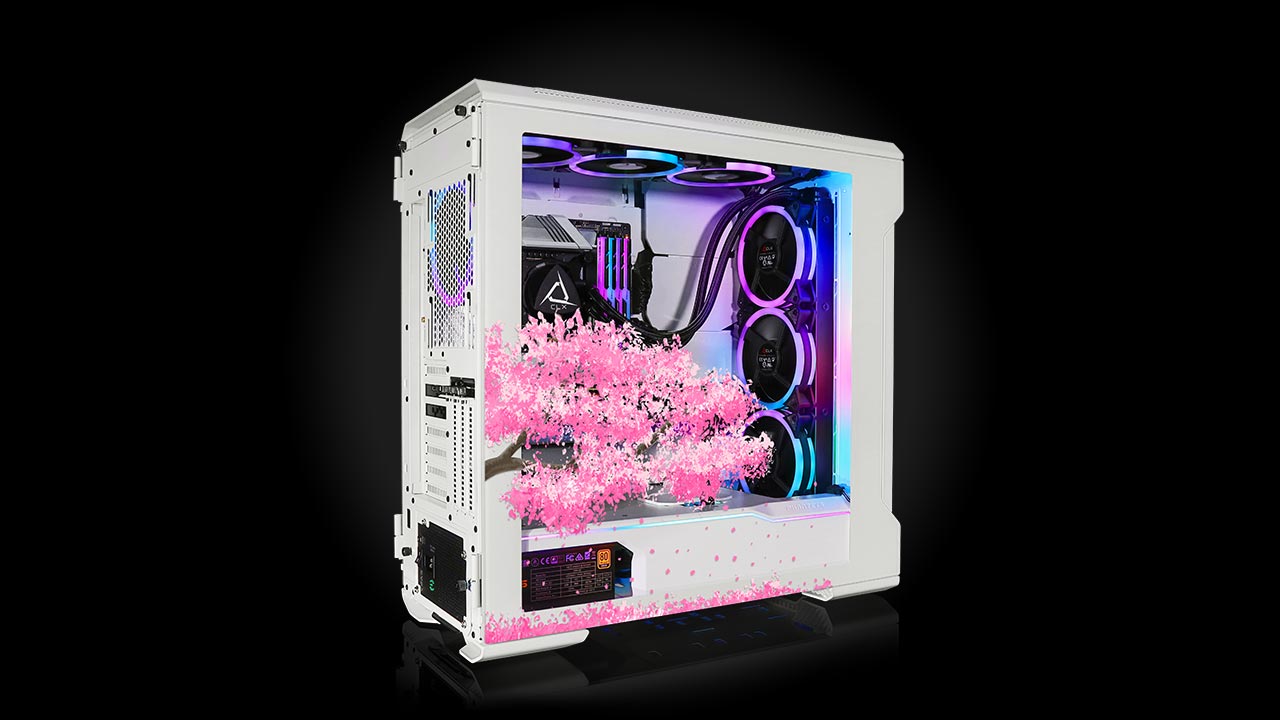
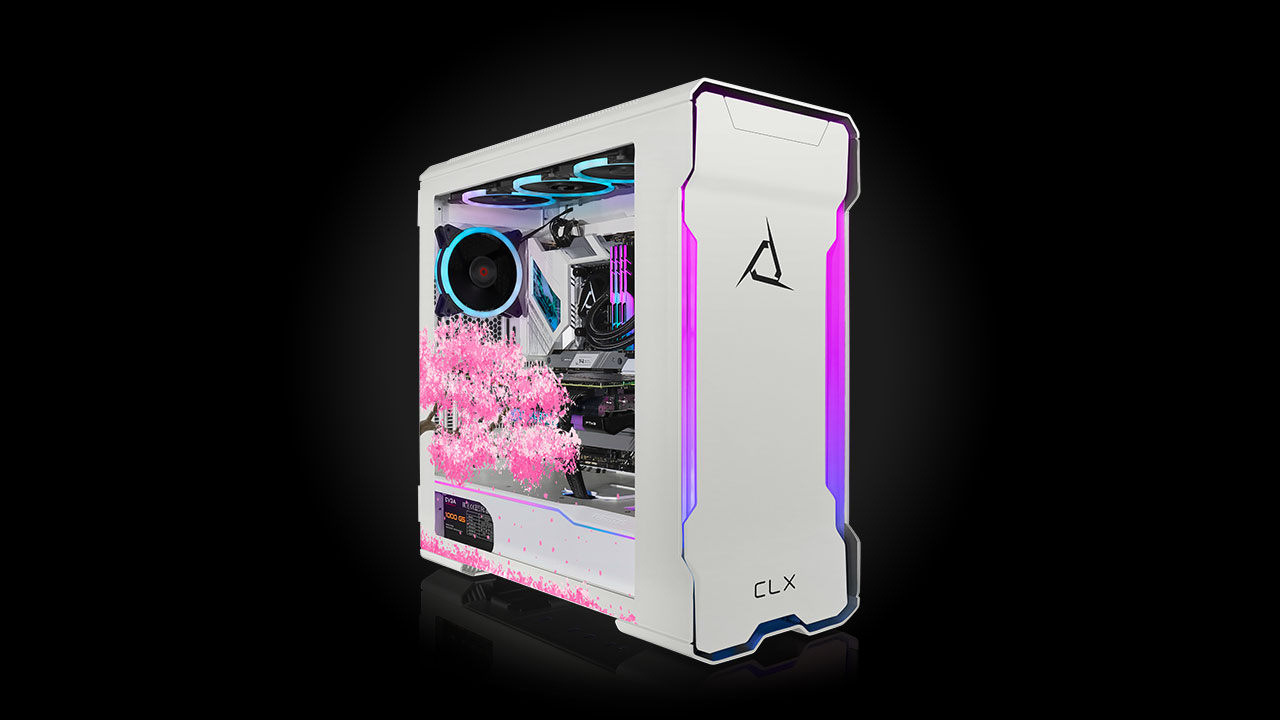
CLX Ra Custom Desktop – For Custom PC Builders
- Configurable Components: Fully customizable
- Use Case: Choose parts to match your specific needs, whether you’re gaming, editing, rendering, or all three.
Why it’s a good option:
Great for those who want full control without assembling the system themselves. You can pick each component, including aesthetic choices like RGB lighting, water cooling, and custom cases.
Pros:
- Complete flexibility
- Excellent cable management
- Hand-assembled and stress-tested
Cons:
- Premium pricing
- Extended delivery times
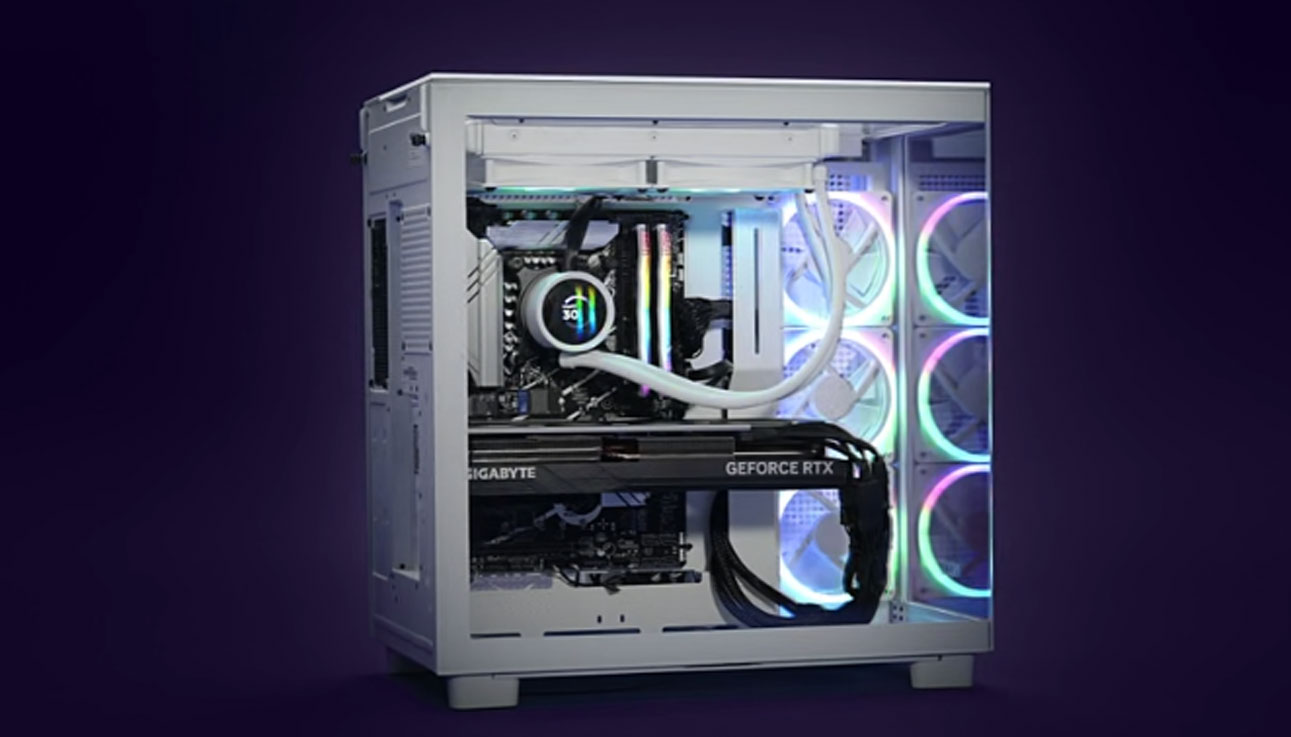
NZXT Player: Three Prime – Best Compact / Portable Gaming PC
- CPU: AMD Ryzen 7 7800X3D
- GPU: NVIDIA RTX 5080
- RAM: 32GB DDR5
- Storage: 1TB SSD
Why it’s a good option:
Perfect for small spaces or portable setups (LAN parties, travel). The NZXT case is stylish and efficient, with a smart thermal design.
Pros:
- Compact and attractive design
- Powerful specs in a small form factor
- Quiet operation
Cons:
- Not ideal for future expansion
- Fewer front panel ports
Final Tips Before Buying
- Monitor Compatibility: Make sure your monitor matches your GPU’s capabilities (e.g., 1440p 144Hz or 4K 120Hz).
- Futureproofing: Choose DDR5 RAM and PCIe 5.0-ready motherboards if possible.
- Warranty & Support: Reputable brands like Alienware, Corsair, and NZXT offer strong warranties and support options.
- Don’t Forget Peripherals: A great PC deserves a quality mouse, keyboard, and headset.
Final Words
Choosing the right gaming PC in 2026 ultimately comes down to your personal needs, the types of games you enjoy, and how much you’re willing to invest. Whether you’re just stepping into the world of PC gaming or you’re a seasoned enthusiast pushing for maximum frame rates at 4K resolution, there’s a powerful and reliable machine out there for you.
Take the time to consider your budget, future upgrade plans, and how much multitasking or content creation you expect to do. Remember that the most expensive setup isn’t always the best one for your lifestyle, efficiency, reliability, and balance often provide the best long-term value.