World of Warships Twitch Drops allow you to earn in-game rewards simply by watching eligible Twitch streams linked to your Wargaming account.
Twitch Drops are promotional rewards distributed through live streams on Twitch. For players of World of Warships, this system offers an easy way to collect in-game bonuses such as camouflages, economic boosters, containers, Premium ships, Community Tokens, and sometimes even event-exclusive content. All you need to do is link your accounts and watch participating streams during active campaigns.
This guide explains how Twitch Drops work, how to link your account, how to claim rewards, what kind of items you can expect, and how to troubleshoot common issues.
How to Link Your Accounts
Before earning any Drops, you must connect your Twitch account with your Wargaming account.
- Visit the official World of Warships portal and sign in.
- Navigate to Account Management and locate the “Linked Accounts” section. Select Twitch and authorize the connection.
- Log in to Twitch when prompted and approve access.
- Once linked, your accounts will remain connected unless manually disconnected.
You only need to do this process once.
How to Earn Twitch Drops
When a campaign is live:
- Open Twitch.
- Go to the World of Warships category.
- Look for streams labeled “Drops Enabled.”
- Watch for the required amount of time.
Progress is tracked automatically. You can monitor it in your Twitch Drops inventory page under your profile. Most campaigns require anywhere from 30 minutes to several hours of watch time.
How to Claim Your Rewards
Some Twitch Drops are claimed automatically, while others require manual confirmation.
After meeting the watch requirement:
- Go to your Twitch Drops Inventory.
- Click “Claim” if the reward requires manual redemption.
- Rewards will then be delivered to your in-game account.
Log in to the game client and check your notifications or inventory. Rewards typically appear instantly but may occasionally take a short time to process.
Types of Rewards You Can Receive
Twitch Drop rewards vary by campaign, but commonly give you these items
- Economic Boosters: Credits, Free XP, Commander XP, and ship XP bonuses.
- Camouflages and Skins: Temporary or permanent ship visual upgrades.
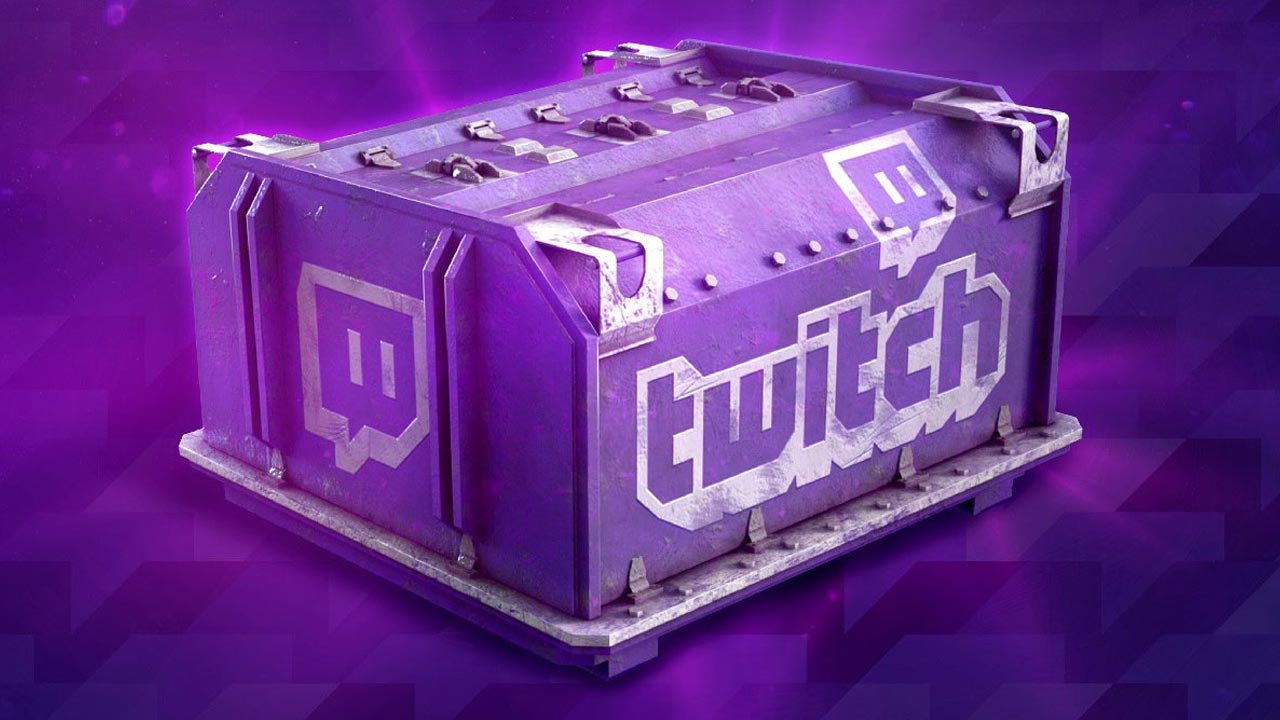
- Containers: Resources, Special event content, Premium ship
- Community Tokens: Tokens that can be exchanged in the Armory for ships, commanders, or cosmetic items.
- Premium Ships: Occasionally, major events offer chances to earn Premium ships directly or through containers.
Regional Considerations
Wargaming operates different servers (NA, EU, Asia). Twitch Drops are usually available globally, but rewards and campaigns may differ slightly by region. Always verify the campaign details on your server’s official portal.
Common Issues and Fixes
Drops Not Tracking
Ensure your Twitch account is linked correctly, and confirm the stream has “Drops Enabled.” Then, refresh the stream or Twitch page.
Reward Not Appearing In-Game
Make sure you clicked “Claim” in your Twitch inventory. Log out, then log back in to the game client. Check that you are signed into the correct Wargaming region.
Account Linked to Wrong Region
If you accidentally linked the wrong region, disconnect and relink your account via the official account management page.
Tips to Maximize Twitch Drops
Keep Twitch running in a background tab during campaigns. Audio does not need to be unmuted, but the stream must remain active. Watching official streams often provides additional guaranteed rewards compared to standard community streams.
Major updates and global events typically offer the best Drops, so monitor official announcements closely.
Twitch Drops are one of the simplest ways to earn free rewards in World of Warships. With just a linked account and a bit of watch time, you can steadily get resources, unlock containers, and occasionally secure rare ships. Keep an eye on official campaigns to ensure you never miss valuable opportunities.